Schoofi logo, Always Connected
Web application and mobile app

Schoofi: Making a School Connection App Easy to Find and Easy to Trust

How Conceptial Media built the web application and mobile app for Schoofi, a platform that connects schools with parents and students in real time, and planned a search and AI-answer friendly marketing approach around them.
Web applicationMobile appDigital marketingSEO and AEO
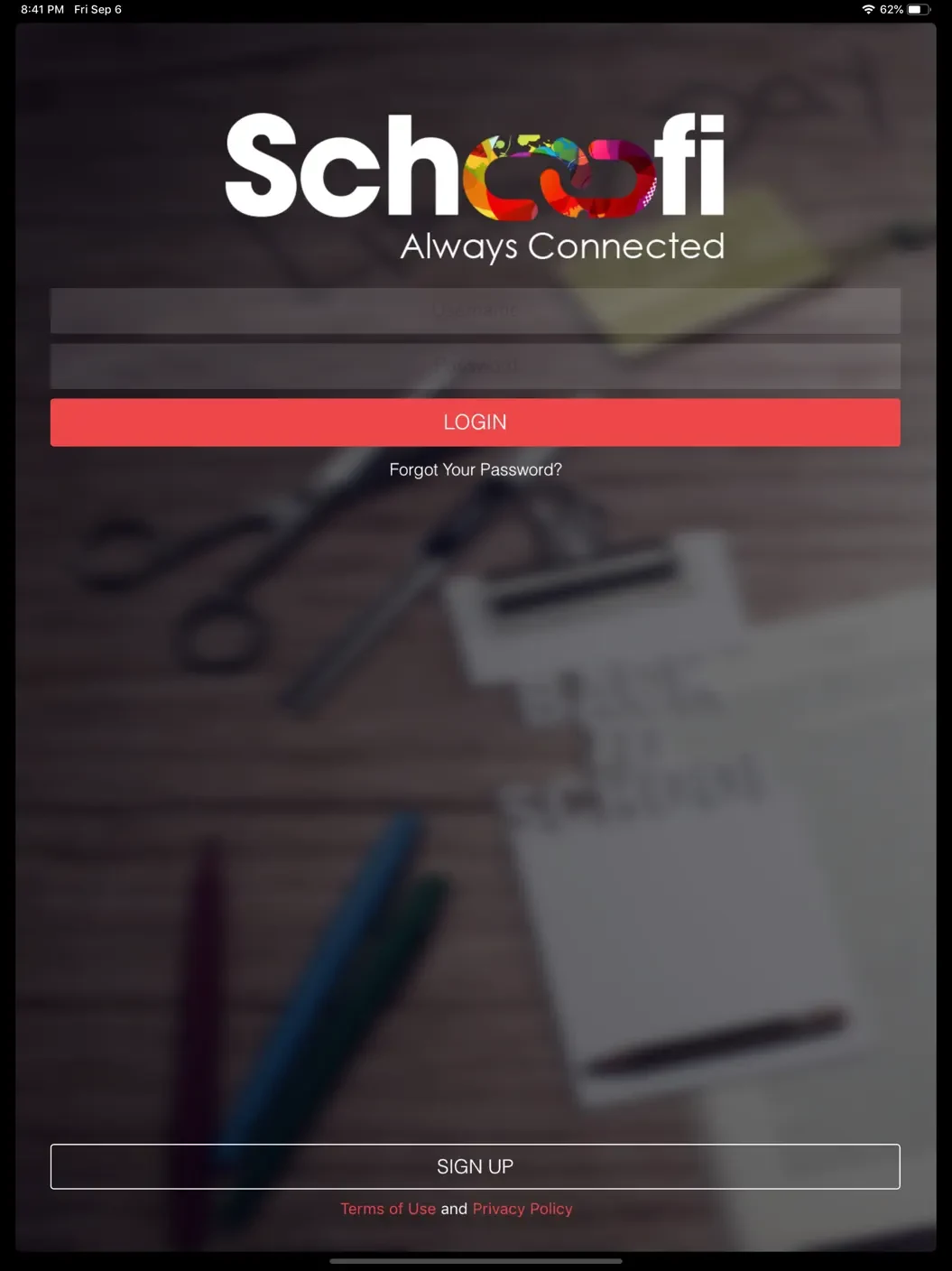
Schoofi app login screen on an iPad
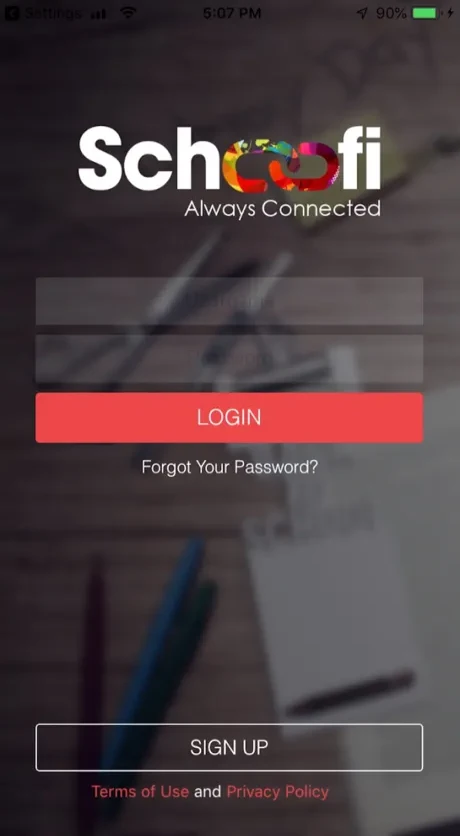
Schoofi app login screen on an iPhone
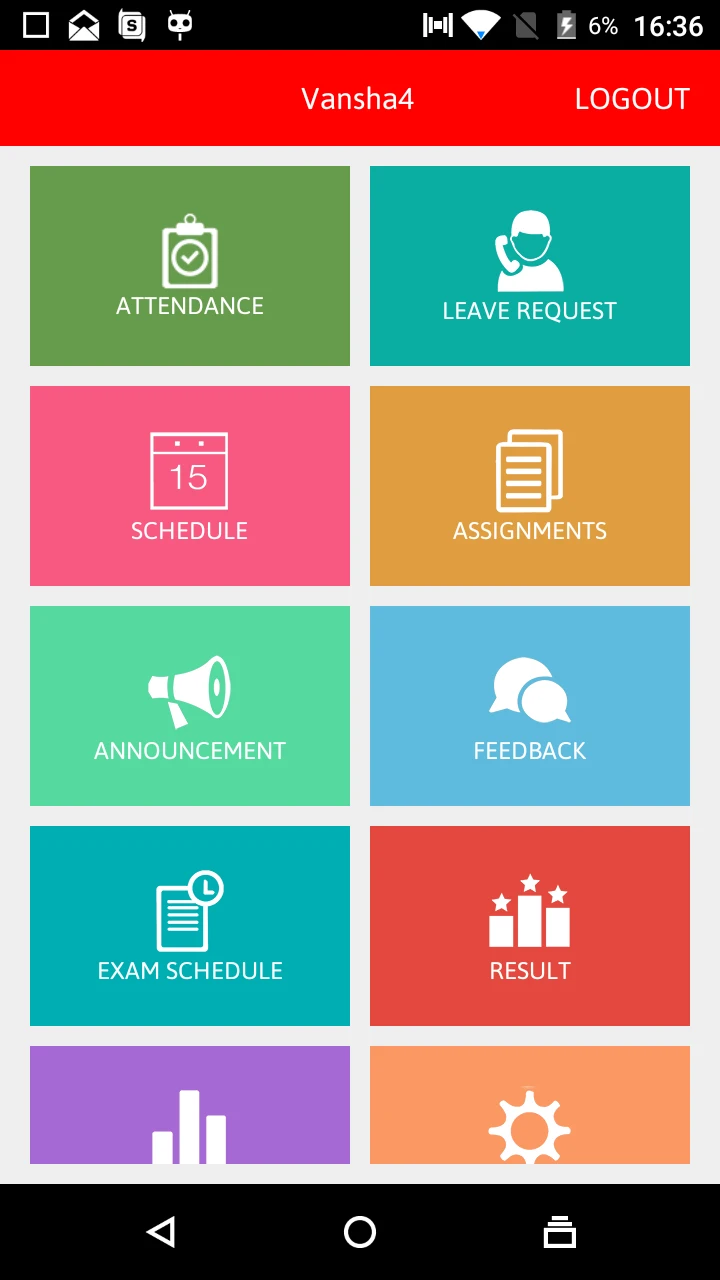
Schoofi Android dashboard with tiles for attendance, leave request, schedule, assignments, announcements, feedback, exam schedule and results
Android + iOS + webAlways Connected
ClientSchoofi Software Solutions
IndustrySchool communication, EdTech
PlatformsAndroid, iOS and web
ServicesWeb application, mobile app
Overview

Schoofi at a glance

Schoofi is a mobile and web platform that lets schools connect with parents and students in real time from one app. Conceptial Media developed its web application and mobile app, and planned the digital marketing so school leaders and parents can find it on Google, in app stores and in AI answers.
3PlatformsAndroid, iOS and web, all from one login
4AudiencesSchools, parents, students and teachers
10Core modulesFrom attendance and fees to bus tracking and quizzes
7Days to connectThe promise on schoofi.com for getting a school set up
Product details and the 7-day promise are as stated on schoofi.com and the app store listings at the time of writing.
The brief

One app, four audiences, four ways of searching

A principal comparing school software, a parent looking for bus tracking and a student wanting mock tests do not search alike. The web presence and content had to speak to each of them clearly.
SSchools

School leaders

  • Management dashboards and analytics
  • Fee collection tools
  • Notices, circulars and events
They searchschool management app, school ERP
PParents

Parents

  • Real-time school bus tracking
  • Online fee payment and reminders
  • Daily diary and academic updates
They searchschool bus tracking app, pay school fees online
TTeachers

Teachers

  • Attendance tracking
  • Assignments and diary notes
  • Announcements to parents
They searchteacher parent communication app
StStudents

Students

  • Quizzes and mock tests
  • Sample and previous-year papers
  • Results and schedules
They searchonline mock tests for school students
App screens

Same app, every device

Phones, tablets and the web share one login and one look. Scroll through the screens parents, teachers and students use every day.
Schoofi iPhone login screen with email, password and login button

iPhoneSimple login with sign-up and password recovery
Schoofi iPad login screen

iPadThe same clean login, scaled for tablets
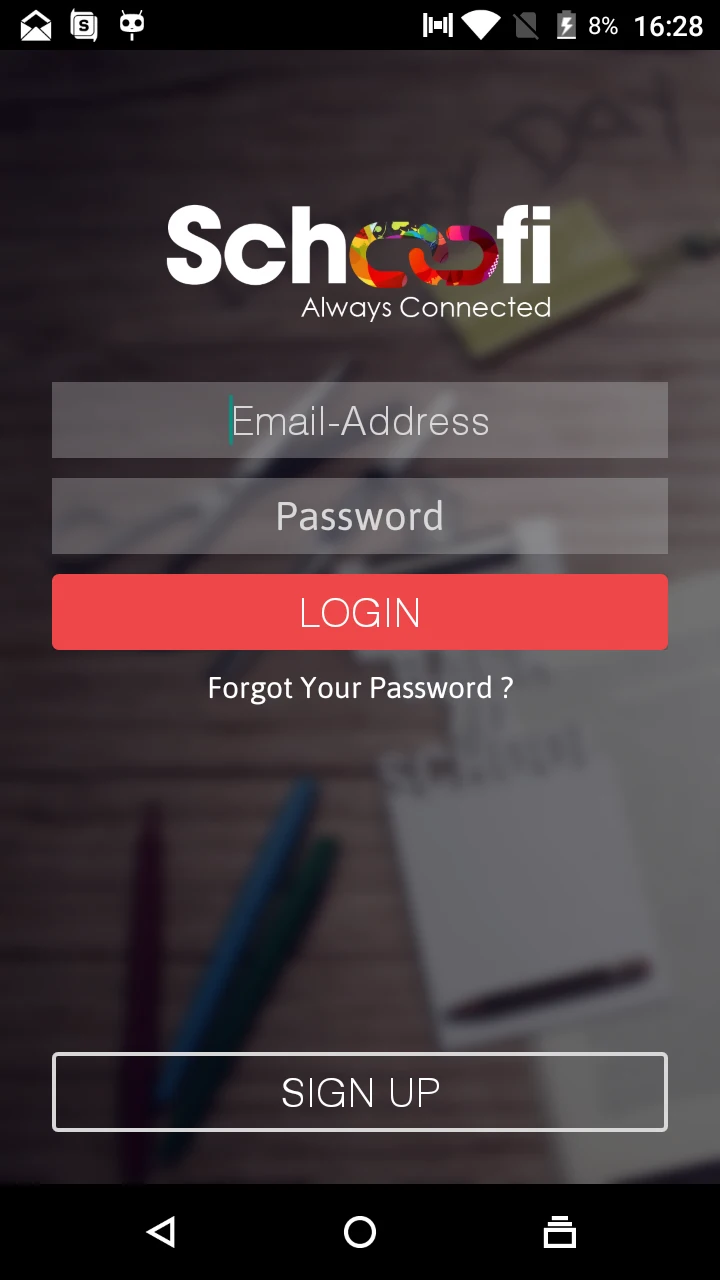
Schoofi Android login screen with email address, password and sign up

AndroidConsistent sign-in on Android phones
Schoofi Android home dashboard with colourful tiles for attendance, leave request, schedule, assignments, announcement, feedback, exam schedule and result

Android dashboardEvery module one tap away from the home screen
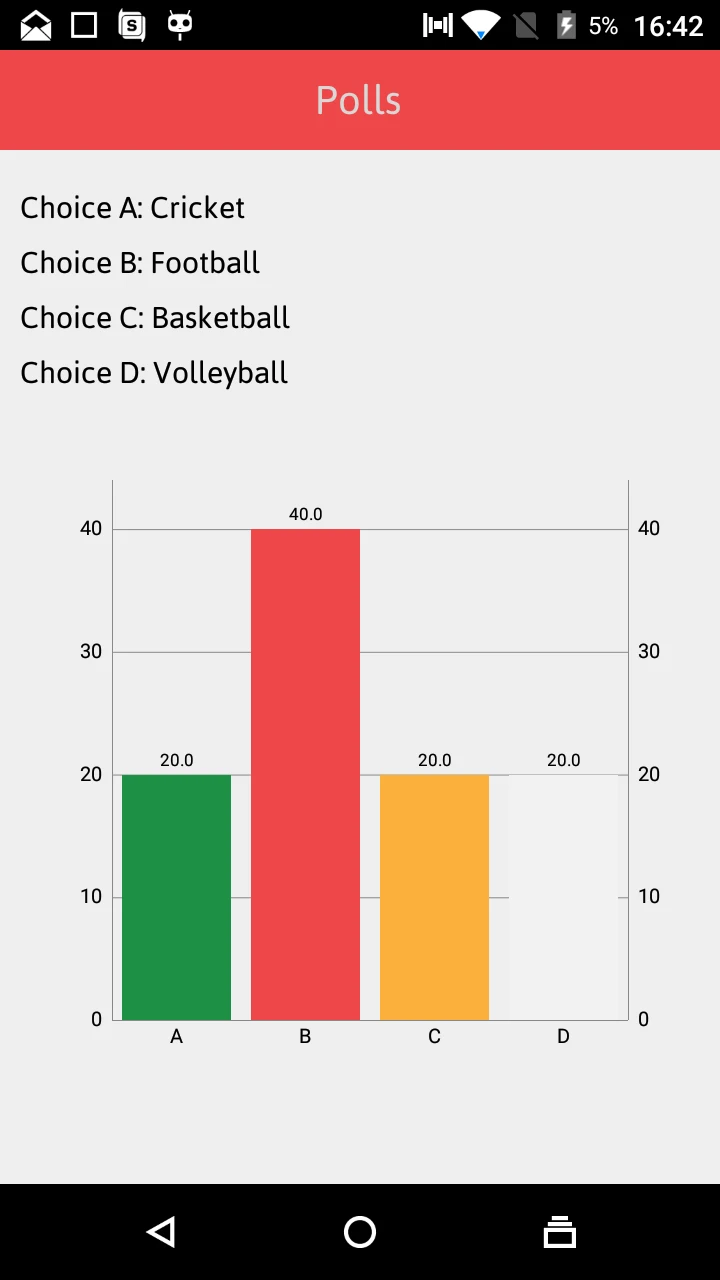
Schoofi Android polls screen with choices such as cricket and football

Android pollsQuick polls that make school feedback easy
Swipe or scroll sideways
What the platform does

Ten modules, written about one by one

Each module is something a school or parent actually searches for, so each one gets its own clear explanation on the web.
01
AttendanceDaily attendance for classes and buses
02
Notices and circularsSchool announcements reach every parent
03
Assignments and diaryHomework, daily notes and achievements
04
EventsCalendars and event updates in one place
05
Bus trackingLive location on a map with pickup and drop alerts
06
Fee paymentPay online, with due-date reminders
07
Quizzes and mock testsPractice papers and question banks
08
ReportsAcademic reports and analytics dashboards
09
Leave requestsParents request leave from the app
10
Polls and feedbackQuick polls and feedback from parents
Modules as listed on schoofi.com and shown in the app screens. Availability can depend on the plan a school chooses.
Digital marketing

From first search to a school going live

Schools buy in stages, and parents adopt once the school chooses. The marketing plan gives each stage its own content and its own call to action.
Stage 1Awareness
School leaders and parents find Schoofi through searches such as school management app and bus tracking app.
SEOAEOBlogSocial
Stage 2Consideration
Module pages, plan comparisons and app store listings answer what the app does and who it is for.
Feature pagesPricing pageApp stores
Stage 3Enquiry
Clear calls to action invite schools to get connected, with a short form and contact options.
Landing pageFormsRemarketing
Stage 4Adoption
Parents are guided to install the app, log in and use bus tracking, fees and diary from day one.
Store linksHelp contentEmail and SMS
SEO and AEO

One search topic, one page, one clear answer

Every module and audience question is mapped to a page that answers it in the first lines, so Google can rank it and AI assistants can quote it.
Search topicIntentPage that answers itFormat
school management appCommercialPlatform overview pageAnswer box plus feature list
school bus tracking app for parentsFeatureBus tracking pageSteps and short FAQ
pay school fees online appFeatureFee payment pageHow it works, with reminders
parent teacher communication appGuideCommunication guideGuide with comparison
online mock tests for studentsFeatureQuizzes and mock tests pagePractice hub with examples
school attendance appFeatureAttendance pageShort answer and screenshots
Schoofi app downloadNavigationalDownload pageStore links and app schema
Schoofi plans and pricingCommercialPlans pagePlan comparison table

App schema

SoftwareApplication markup describes the app, its platforms and its category in a format machines read.

FAQ markup

Questions parents and schools really ask are marked up, so they can appear as rich answers.

Answer-first writing

Each page opens with a 40 to 60 word answer, then adds steps, screenshots and detail.

Matching store listings

The website and both app store pages use the same wording, so search and store results agree.

Store presence

The app stores are search engines too

Many parents never visit the website. They search the Play Store or App Store, so the listings are treated as part of the SEO plan.
Android

Google Play

App
Schoofi
Package
com.schoofi.activities
Screens
Login, dashboard, polls
Open on Google Play ↗
iPhone and iPad

App Store

App
Schoofi, Stay Connected
Category
Education
Works on
iPhone and iPad, iOS 12+
Open on the App Store ↗
Clear title and subtitleReal screenshotsKeyword-aware descriptionLink back to the website
Deliverables

What Schoofi received

Three workstreams that make the app easy to find, easy to understand and easy to install.
01

Web application

  • Clear page structure for audiences and modules
  • Responsive layouts for phone, tablet and desktop
  • Login and register paths for parents and teachers
  • Plans, FAQ and contact pages
Website development
02

Mobile app

  • Android and iOS apps with one shared login
  • Module dashboard for attendance, fees, diary and more
  • Screens designed for phone and tablet
  • Store listings aligned with the website
Custom design
03

Digital marketing

  • Search topic map for schools and parents
  • Answer-first content and FAQ schema
  • Funnel from awareness to enquiry
  • Social content from the same topics
SEO services
FAQ

Schoofi case study: common questions

What is Schoofi?
Schoofi is a mobile and web platform that lets schools connect with parents and students in real time from one app. It covers attendance, notices, assignments, a school diary, fee payment, bus tracking, quizzes and reports on Android, iOS and the web.
What did Conceptial Media do for Schoofi?
Conceptial Media developed Schoofi's web application and mobile app, and supported them with a digital marketing plan. That included a search topic map for schools and parents, answer-first content, FAQ and app schema, and store listing alignment.
Who can use the Schoofi app?
Schoofi has separate experiences for school management, parents, teachers and students. Parents can track the school bus, pay fees and read the diary, while students can take quizzes and mock tests.
Is Schoofi available on Android and iPhone?
Yes. Schoofi is available on Google Play for Android and on the App Store for iPhone and iPad, and it also works on the web with the same login.
Can parents track the school bus in the Schoofi app?
Yes. The platform offers real-time bus tracking on a map with pickup and drop-off notifications. Schoofi lists this under its fuller plan, so schools should confirm which plan includes it.
How does the website help Schoofi appear in search and AI answers?
Each module and audience question has its own page with a clear heading and a short answer first. FAQ and SoftwareApplication schema, matching store listings and descriptive alt text on screenshots help Google and AI assistants quote Schoofi accurately.
How quickly can a school get started with Schoofi?
Schoofi's website promises to connect schools in seven days. Actual timelines depend on the school, so it is best to confirm with the Schoofi team.
Can Conceptial Media promote a school or EdTech app?
Yes. We build search-friendly websites, prepare app store and screenshot content, and plan SEO, AEO and social campaigns for education and app businesses. Contact us to discuss your product and goals. Get in touch.
Start your project

Building an app or platform that needs to be found?

Tell us who uses it and what they search for. We will plan the website, the store presence and the search content together, so the right people find you first.

Let’S Grow Your Brand Online

Start a conversation with us


    Select Services*