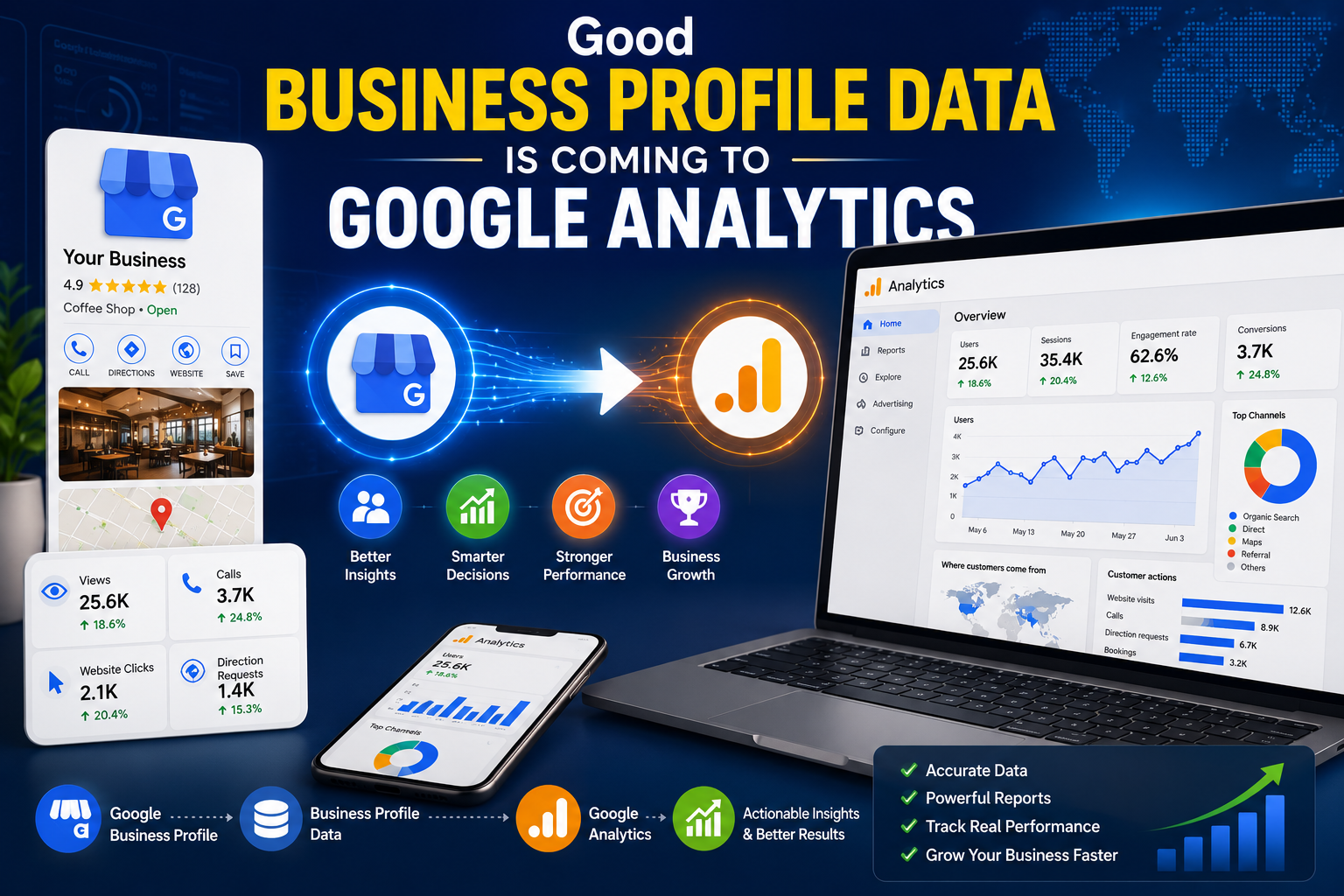
For years, local businesses have had to juggle two separate dashboards to understand their customers: Google Business Profile for calls, directions, and profile views, and Google Analytics for website behavior. The two never really talked to each other. That’s changing. Google has rolled out a native integration that links Google Business Profile (GBP) directly to Google Analytics 4 (GA4), bringing local engagement data into the same reports you already use for your website.
If you manage local SEO, run a single-location business, or oversee reporting for multiple client locations, this update is worth understanding now, while the rollout is still reaching accounts.
What’s Actually Changing
Google has published documentation describing a direct product link between Google Business Profile and Google Analytics 4. Once you connect the two, a new “Google Business Profile” section appears inside your GA4 reports, sitting alongside your existing website and app data.
This section brings in seven metrics pulled straight from your Business Profile activity:
- Interactions – overall engagement with your profile
- Website clicks – visits driven from your profile to your site
- Calls – phone calls initiated from your listing
- Direction requests – users asking for directions to your location
- Messages – conversations started through your profile
- Bookings – appointments or reservations made
- Menu views – for businesses with menus, like restaurants
Previously, the only way to see any Business Profile activity in Analytics was through UTM tags on your profile links, and even then, that only captured website clicks. Calls, direction requests, messages, and bookings all happen on the profile itself, outside your website, so they were invisible to GA. This native link finally brings that offline-adjacent activity into the same measurement environment as your site data.
Why This Matters for Local SEO
For a single-location business, this is a genuine quality-of-life improvement. Instead of switching between two tools to piece together a full picture of customer behavior, you can see how someone finds your business on Search or Maps, then follow that same journey into website visits, all in one report.
It also strengthens the case for local SEO investment. Calls and direction requests are strong signals of purchase intent, arguably stronger than a website visit in many local categories like restaurants, clinics, or home services. Having those metrics sit next to your web analytics makes it easier to show stakeholders that local search visibility drives real action, not just impressions.
For agencies and multi-location brands, the benefit is more modest. The integration combines data across every linked profile with no way to break it out by location, which limits its usefulness for anyone managing performance across multiple markets.
How to Set It Up
The connection is configured inside GA4, not inside Google Business Profile. Before starting, confirm you have the right access on both sides: Editor or Administrator role on the GA4 property, and Owner or Manager permission on the Business Profile you want to link.
The setup flow looks like this:
- Open Google Analytics and go to Admin (the gear icon)
- Under Product Links, look for Google Business Profile links
- Click Link and choose the Business Profile account you want to connect
- Select the specific location or locations to include
- Confirm the setup
Once confirmed, data doesn’t always appear instantly. Google notes there can be a processing delay before the new section populates in your reports. The rollout itself is also phased, so if you don’t see “Google Business Profile links” under Product Links yet, it likely hasn’t reached your account. Given that, keeping an eye on the Admin panel over the next few weeks is a reasonable habit if you don’t see the option immediately.
Limitations Worth Knowing Before You Rely on This
This integration is useful, but it isn’t a full replacement for the Business Profile dashboard, and it comes with a few real constraints:
- Six-month data window: GA4 only retains Business Profile metrics for the last six months, no matter how far back your reporting date range goes.
- No per-location breakdown: if you link multiple profiles, GA4 shows combined totals with no way to filter or segment by individual location.
- No custom analysis: Business Profile data can’t be further segmented, filtered, or explored using GA4’s standard reporting and exploration tools the way website data can.
- All metrics shown regardless of business type: unlike the Business Profile dashboard, which hides irrelevant metrics (for example, hiding “Menus” for a law firm), GA4 displays all seven metrics for every business, so some may simply read zero or not apply.
Because of these gaps, the Business Profile dashboard, its data exports, and the Performance API still offer more granular, location-level detail than this new GA4 integration. Think of the GA4 view as a convenient summary layer, not a replacement for deeper local reporting tools.
The Bigger Picture
This update fits a broader pattern in how Google is trying to unify measurement across its ecosystem. Search, Maps, and web analytics have historically lived in separate silos, forcing marketers to stitch together a customer journey by hand. Bringing local engagement metrics into GA4 is a small but meaningful step toward a single view of how customers actually interact with a business, from discovery on Maps to a purchase or inquiry on the website.
For single-location businesses, the practical upside is immediate: less dashboard-hopping and a clearer story about local performance. For agencies and multi-location brands, this is more of a starting point than a finished solution, and it’s worth watching whether Google adds per-location segmentation or longer data retention down the line.
Getting Started
If local search is part of your marketing strategy, it’s worth checking your GA4 Admin panel now to see if the Google Business Profile link option has reached your account. Setup takes only a few minutes, and once it’s live, you’ll have a clearer, more connected view of how your local presence contributes to real customer actions, not just website traffic.