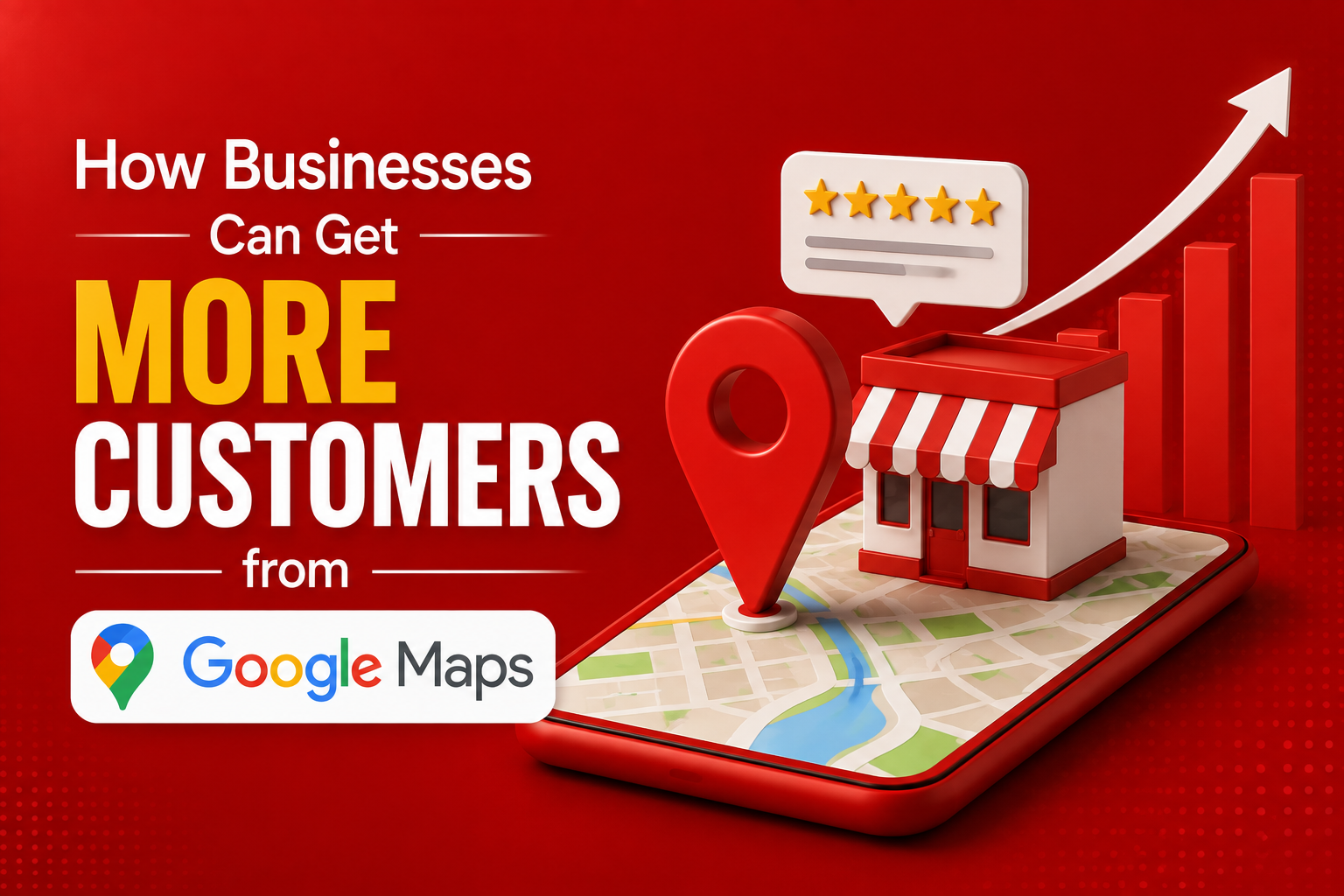
When someone needs a plumber, a coffee shop, a dentist, or a hardware store, the search usually starts the same way: open Google Maps and type what they need followed by ‘near me’. That single moment, the map results a customer sees in the first few seconds, decides who gets the call, the visit, or the order. For most local businesses, Google Maps isn’t a nice extra; it’s one of the biggest sources of new customers available, and it’s largely free to compete on if you know where to focus. Here’s how to actually get more customers from it.
1. Claim and Verify Your Google Business Profile
Every Google Maps listing starts with a Google Business Profile, and an unclaimed or unverified one puts you at an immediate disadvantage since you have no control over the information shown and Google tends to rank verified listings higher. Claim your listing if you haven’t already, complete verification through whichever method Google offers for your business type, whether postcard, phone, or email, and treat this as the non-negotiable first step before anything else on this list matters.
2. Get the Basics Exactly Right
Your business name, address, phone number, hours, and website need to be accurate and consistent everywhere they appear online, not just on your Maps listing. Inconsistent details across your website, social pages, and directories confuse both customers and Google’s ranking system. Double-check your hours are current, especially around holidays, since a wrong hours listing sends a customer to a closed door and often costs you that customer permanently.
3. Choose the Most Specific Category Available
Google relies heavily on your primary business category to match you with relevant searches, so a vague or slightly wrong category quietly limits your visibility no matter how strong the rest of your profile is. Choose the most specific category that fits, such as ‘Italian Restaurant’ rather than just ‘Restaurant’, and add accurate secondary categories to capture adjacent searches without diluting your main focus.
4. Upload Photos Regularly
Listings with more photos get significantly more clicks, calls, and direction requests than listings with few or outdated images. Upload real photos of your storefront, interior, products, team, and completed work rather than relying on stock imagery, and add new ones regularly, since an actively updated listing signals to both Google and customers that the business is alive and well-run.
5. Build a Steady Flow of Reviews
Reviews influence both ranking and customer trust, and a consistent stream of new reviews performs better than a large batch collected once and never repeated. Ask happy customers for a review right after a positive experience, when it’s easiest for them to say yes, and make the process simple by sending a direct review link rather than asking them to search for your listing themselves.
6. Respond to Every Review You Get
Replying to reviews, positive and negative alike, shows Google and prospective customers that the business is actively managed. A calm, professional response to a negative review often reassures a hesitant customer more than a wall of five-star ratings alone, since it demonstrates how problems get handled rather than just how often things go right.
7. Use Google Posts to Share Updates
Google Business Profile allows short posts about offers, events, or new products that appear directly on your listing when customers view it. Posting even once a week keeps your profile feeling current and gives someone comparing you against a competitor one more reason to choose you, especially if that competitor’s listing hasn’t been updated in months.
8. List Products or Services With Details
Adding your core products or services directly to your profile, with descriptions and prices where relevant, helps customers make a decision before they even click through to your website. This is particularly useful for service businesses and retailers competing in areas where customers commonly compare two or three nearby options side by side on their phones.
9. Use Messaging and Q&A Features
Many Google Business Profiles support direct messaging and a public questions-and-answers section, both of which let potential customers get quick answers without leaving the listing. Responding promptly to messages and pre-filling common questions in the Q&A section reduces friction for a customer who’s close to deciding but has one small thing left to check.
10. Track What’s Actually Driving Customers
Google Business Profile provides basic performance data, including how customers found your listing, how many requested directions, and how many called or visited your website. Reviewing this regularly, rather than only checking your profile after something goes wrong, helps you see whether recent changes, new photos, a review push, weekly posts, are actually translating into more customer actions.
Quick Checklist to Get Started
- Google Business Profile claimed and fully verified.
- Business name, address, phone, and hours accurate and consistent everywhere online.
- Most specific primary category selected, with relevant secondary categories added.
- Fresh photos uploaded regularly, not just at setup.
- Ongoing review requests, with prompt replies to every review received.
- Weekly Google Posts and an up-to-date products or services list.
Frequently Asked Questions
How long does it take to rank higher on Google Maps? There’s no fixed timeline, but businesses that consistently improve their profile, adding photos, collecting reviews, posting updates, typically see noticeable improvement in visibility over a few weeks to a couple of months, depending on how competitive the local market is.
Do I need to pay for Google Maps visibility? No. A fully optimised, verified, and active Google Business Profile can improve visibility significantly without any ad spend, though Local Service Ads or Google Ads can add extra reach for businesses with budget to spend.
Why do some competitors rank higher even with fewer reviews? Ranking depends on more than review count alone. Profile completeness, category accuracy, photo activity, proximity to the searcher, and how well the listing matches the search terms all play a role, so a business with fewer reviews but a stronger overall profile can still outrank one with more reviews.
How many reviews should a business aim to collect? Rather than targeting a specific number, aim for a steady, ongoing flow of new reviews over time. Consistency signals an active business, while a stagnant review count, even a high one, can look less trustworthy than a smaller but growing count.
Is it worth replying to negative reviews? Yes. A calm, professional reply to a negative review often reassures future customers more than ignoring it would, since it shows how the business handles problems rather than just how often things go right.
What’s the single most impactful thing a business can do on Google Maps? There isn’t one silver bullet, but keeping the profile fully accurate, actively updated with photos and posts, and backed by a steady stream of reviews tends to matter more collectively than any single tactic on its own.
Getting more customers from Google Maps isn’t about a clever trick; it’s about consistently doing the fundamentals that most competitors do halfway or not at all. Verify your profile, keep your details accurate, stay visually and socially active, and make it effortless for happy customers to leave a review. Do that consistently, and your Maps listing will keep quietly sending you customers long after the initial setup work is done.